
COURSE CONTENT
Start with the lessons
COGNISKILL BOOKS
Go deeper with a related book
This short course practises a focused skill. Related CogniSkill books offer an optional longer learning and preparation path; this course does not claim full exam coverage.
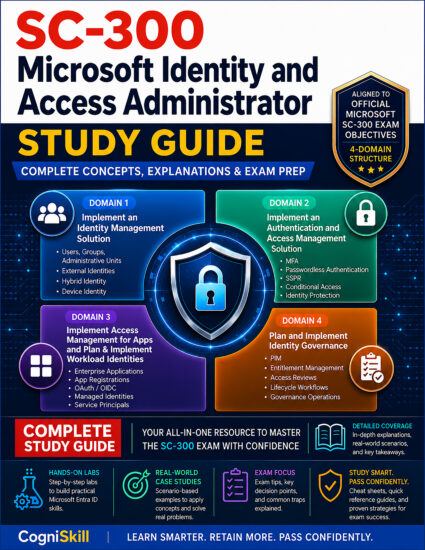
SC-300 Microsoft Identity and Access Administrator — Study Guide
For building a structured understanding of the subject.
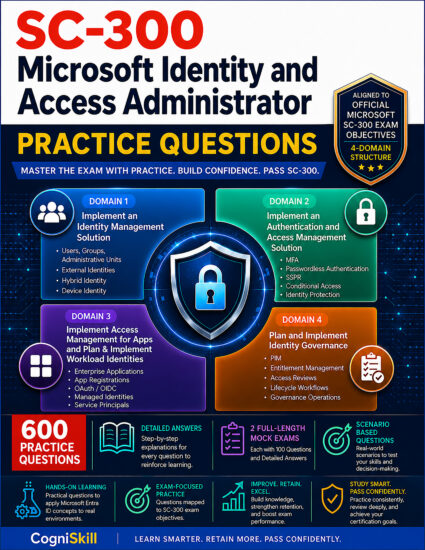
SC-300: Microsoft Identity and Access Administrator — Practice Questions
For working through questions and practical scenarios.
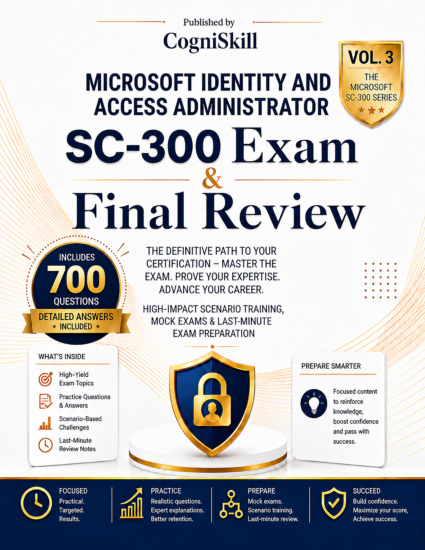
SC-300 Microsoft Identity and Access Administrator — Exam Cram & Final Review
For focused revision after you have studied the subject.
COURSE OVERVIEW
What you will learn
What you will make
Build a paginated Graph-style report that detects loops and keeps a failed collection separate from a complete empty result.
What you need
PowerShell objects; tenant access required only for optional live extension.
Use PowerShell 7. This script simulates two Graph-shaped pages. It deliberately does not import the Graph module or call Microsoft services.
How to work through it
- Understand the mechanism and predict the result.
- Run or trace the fixture and preserve the evidence.
- Change the inputs, expose a failure and explain the repair.
- Complete a project and answer the retrieval questions.
Scope
A focused practical workshop, not a complete beginner-to-expert programme. Allow time for the exercises and project; the pace depends on your prior experience. Related CogniSkill books are optional next steps. No purchase is required.
Applied capability and learning route
Design complete, least-privilege directory reporting with pagination and retry controls.
Follow the lessons in order: establish the model, trace the supplied evidence, attempt the case, compare the worked solution, and complete the changed-condition project. The target is intermediate reasoning within this stated scope, not mastery of the entire profession or product. If a prerequisite is unfamiliar, pause and use the linked foundational teaching before attempting the project.
All teaching, explained answers and core synthetic practice are free. Some operational labs require separately available software, a licensed test tenant or an authorized lab; offline completion does not claim hands-on product proficiency.
How to complete this course
Study the worked examples, attempt the exercises before opening solutions, and submit your own project notes. Completion records are self-reported; practical competence requires the stated verification.
What you will learn
- Separate local transformation from API access
- Choose minimum documented read permissions
- Plan paging, failure handling and disconnection
- Design complete, least-privilege directory reporting with pagination and retry controls.
Before you start
- PowerShell objects; tenant access required only for optional live extension.
Practice environment
- Use the lesson’s fictional data or local lab. Cloud configuration is not required for the core tabletop exercises; follow the stated software prerequisites for executable labs.
Tested versions
- See worked example verification notes; optional tenant features require current provider checks.
Technical review: 2026-10-07
Technical referencePractical project
Add page count and completeness metadata to the fixture collector. Test an empty successful result, two pages, a missing second page and a repeated next-link. Write a separate live-integration plan naming endpoint, permission model, retry limit and export fields; do not add real credentials.
Applied transfer project: Implement a mock page-fetch function and test normal pagination, a repeated next link, retry exhaustion and a duplicated user across pages. Decide whether the report needs unique identities or raw records and document your deduplication key. Add a permission review showing the exact read operation and the least-privilege documented authorization for the chosen mode. Keep secrets and raw tokens out of logs.
Check your project
- Local and live steps distinguished
- Permissions justified
- Pagination checked
- No tokens retained
- Applied laboratory rubric: five dimensions, 0–2 each; target 8/10 with no zero in main result or safety. Native quiz score is separate.
Use these criteria for self-review. Completing a lesson records your progress; it does not verify code correctness.
Practice files
APPLY THE SKILL
Your practical project
Add page count and completeness metadata to the fixture collector. Test an empty successful result, two pages, a missing second page and a repeated next-link. Write a separate live-integration plan naming endpoint, permission model, retry limit and export fields; do not add real credentials. Applied transfer project: Implement a mock page-fetch function and test normal pagination, a repeated next link, retry exhaustion and a duplicated user across pages. Decide whether the report needs unique identities or raw records and document your deduplication key. Add a permission review showing the exact read operation and the least-privilege documented authorization for the chosen mode. Keep secrets and raw tokens out of logs.
Evidence to keep
- Local and live steps distinguished
- Permissions justified
- Pagination checked
- No tokens retained
- Applied laboratory rubric: five dimensions, 0–2 each; target 8/10 with no zero in main result or safety. Native quiz score is separate.
Use fictional practice data. Keep your inputs, outputs and explanation of the result. Lesson completion records your progress; it does not verify your project.
PRACTICE MATERIALS
Course downloads
Save the materials before starting your lab. Read source files before running them.
CHECK YOUR KNOWLEDGE